Theme features
Everything Kontur can do, and how to set it up.
Kontur is a Ghost theme in the Swiss style: one strict grid, big type, sharp corners and a single accent colour. It is made for blogs and journals that want their words and pictures to look composed, not decorated.
This page walks through what the theme does and how to set it up. Everything shown here works out of the box, without code.
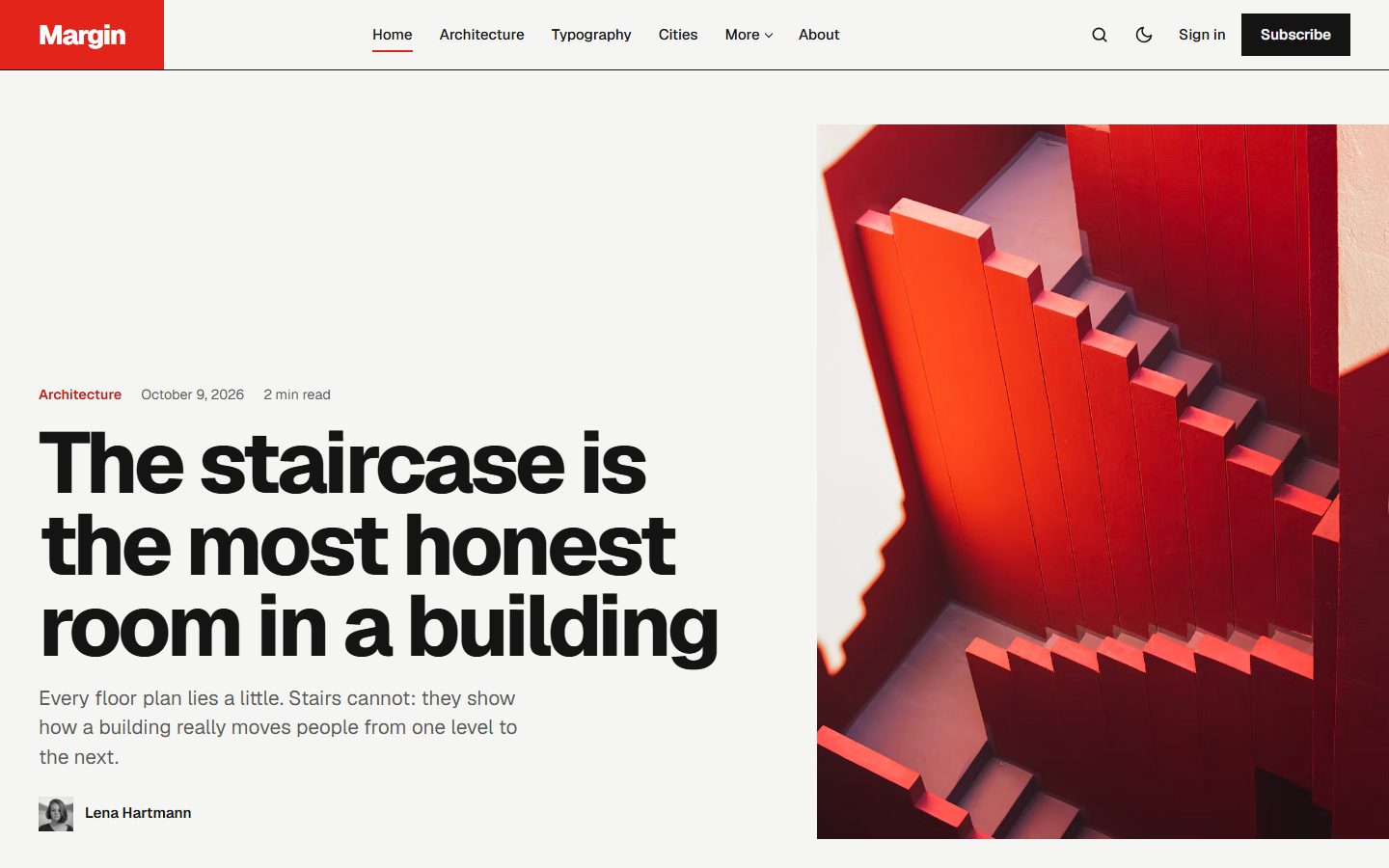
Latest stories, two ways
Choose the Latest layout in the theme settings.
Posters sets your stories as a modular wall: a large photo, a tall one, a story set in your accent colour beside its picture, a type-only poster, and so on. The pattern repeats every seven stories, and Load more continues it. Stories rise into place as the reader scrolls.
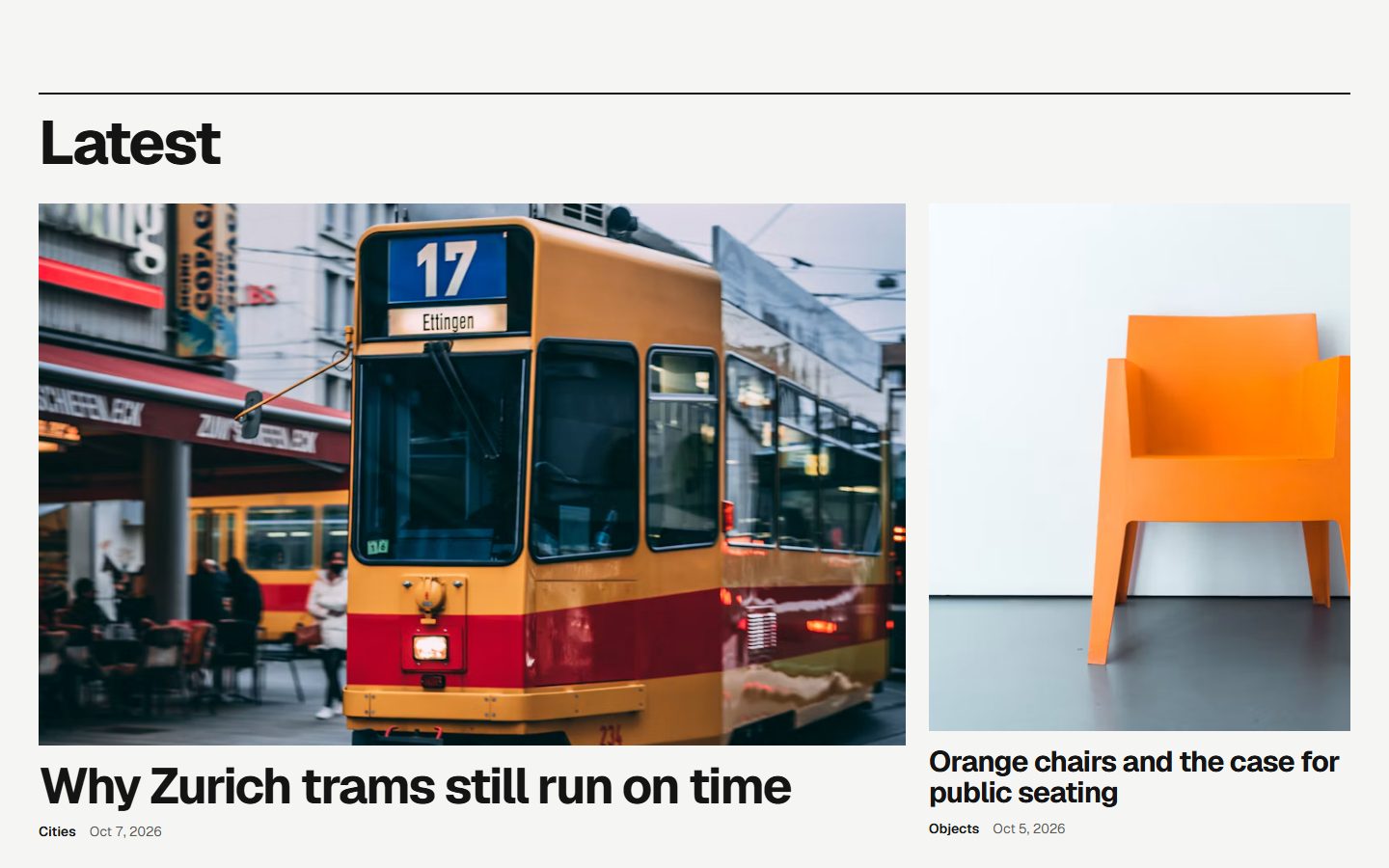
Pan pins the section to the screen while the reader scrolls down, and the stories slide sideways in large format, with a progress line underneath. On phones it becomes a row to swipe.
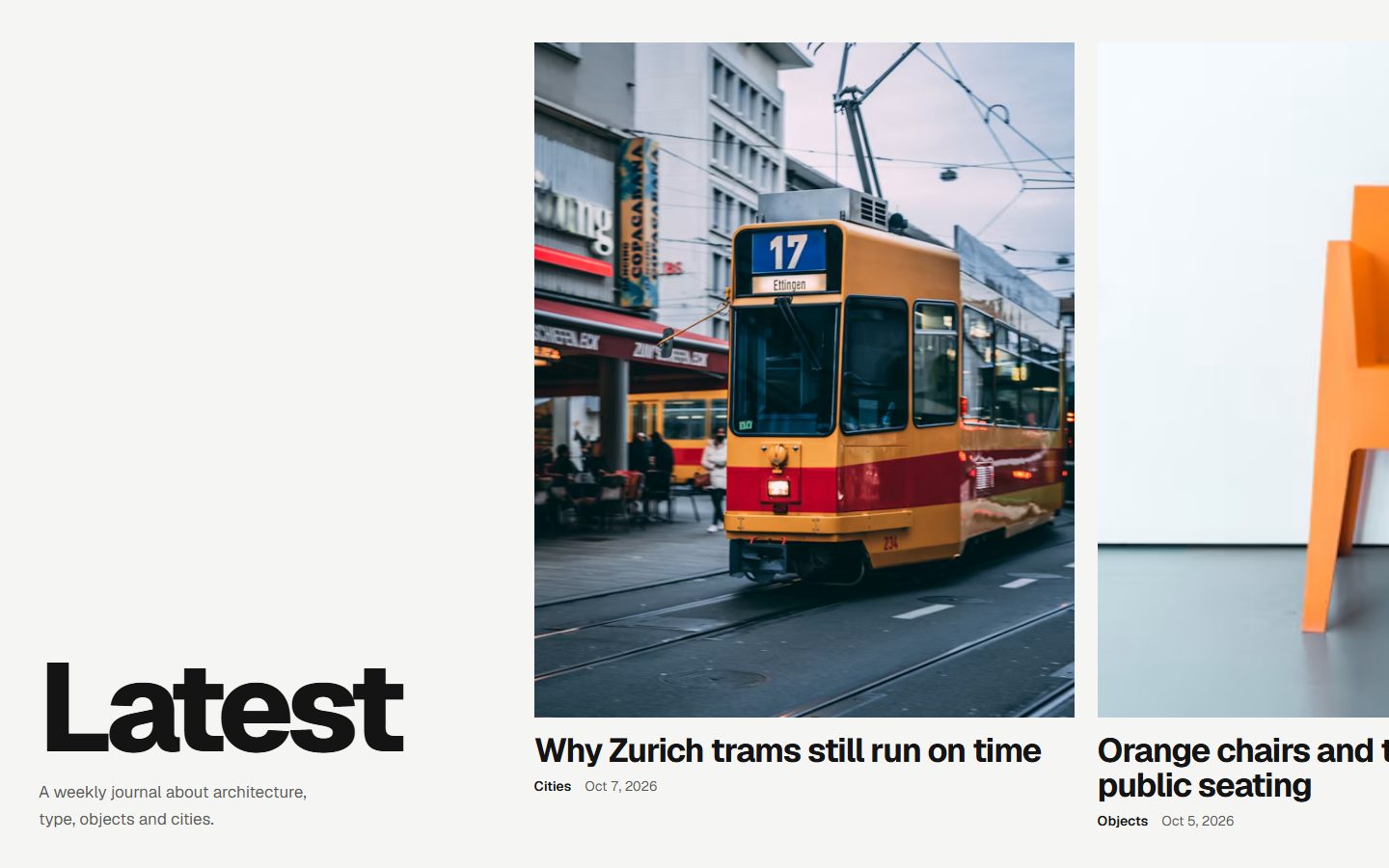
Selected, About and Topics
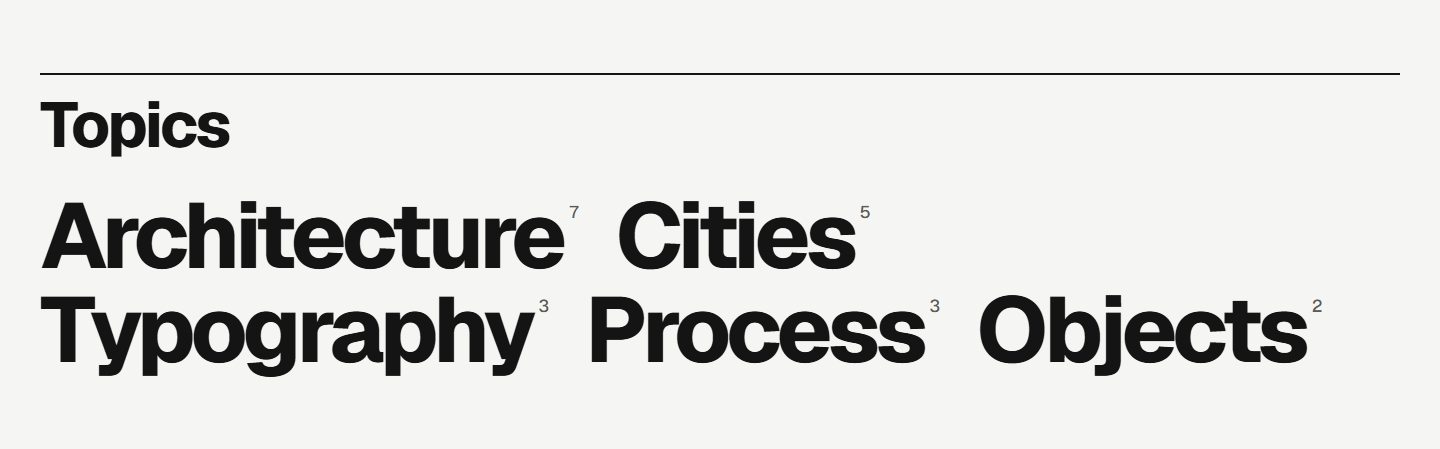
Give a post the internal tag #selected and it joins the Selected section: one large picture and up to four smaller ones, arranged for any number from one to five. The About section shows the page with the slug about: its image, its excerpt and a link. Topics sets your tags very large, like a poster, with the number of stories next to each.
Your colour, your typeface
Kontur uses the accent colour from Settings, Design & branding for the site name block, the newsletter and every highlight. Text on the accent switches between dark and light automatically, so red, yellow or blue all stay readable. Pick one of three typefaces in the theme settings: Geist, Archivo Expanded or Host Grotesk. Ghost's own font settings still take precedence when you use them.
Designed for reading
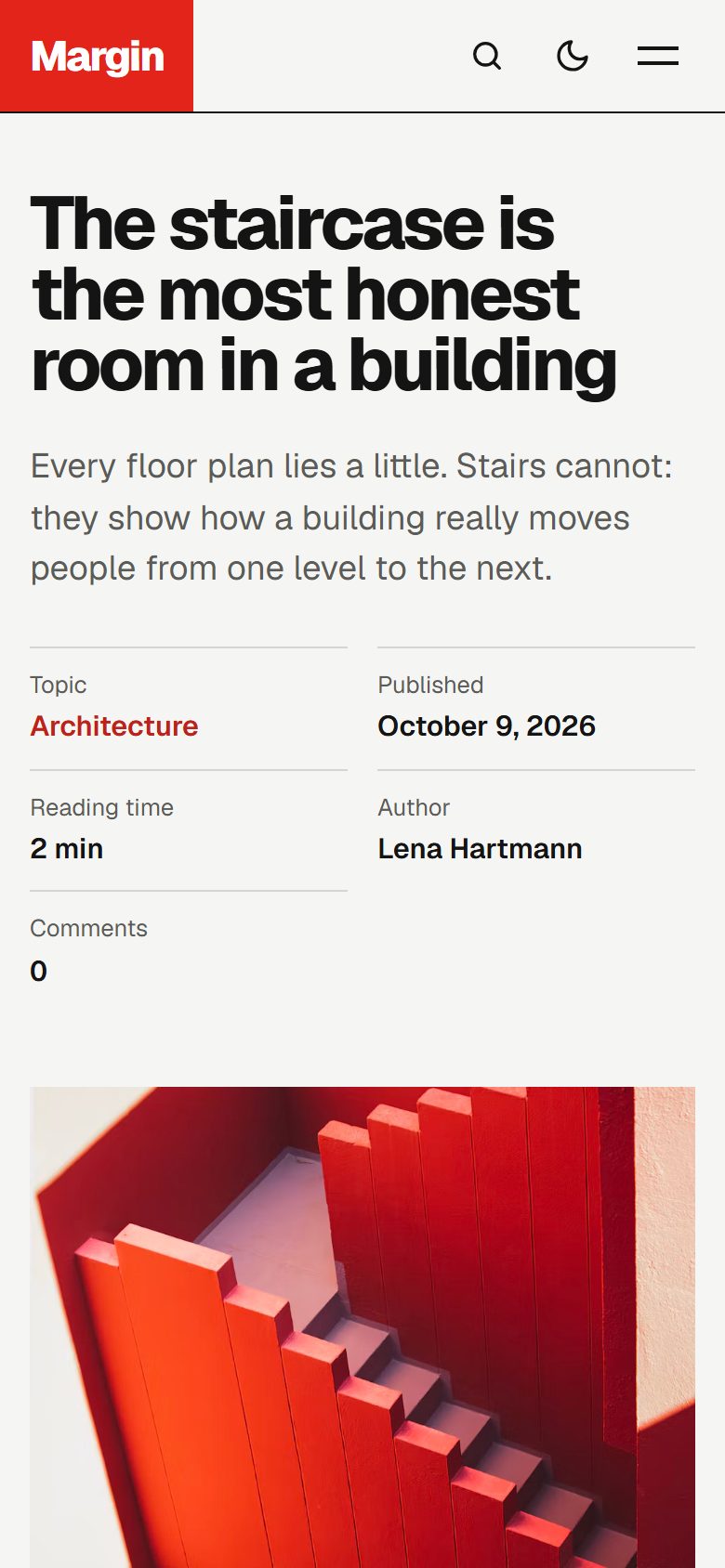
Articles open with the facts in a narrow column (topic, date, reading time, author) and the title set large beside them. Long reads get a table of contents built from your headings and a reading progress line.
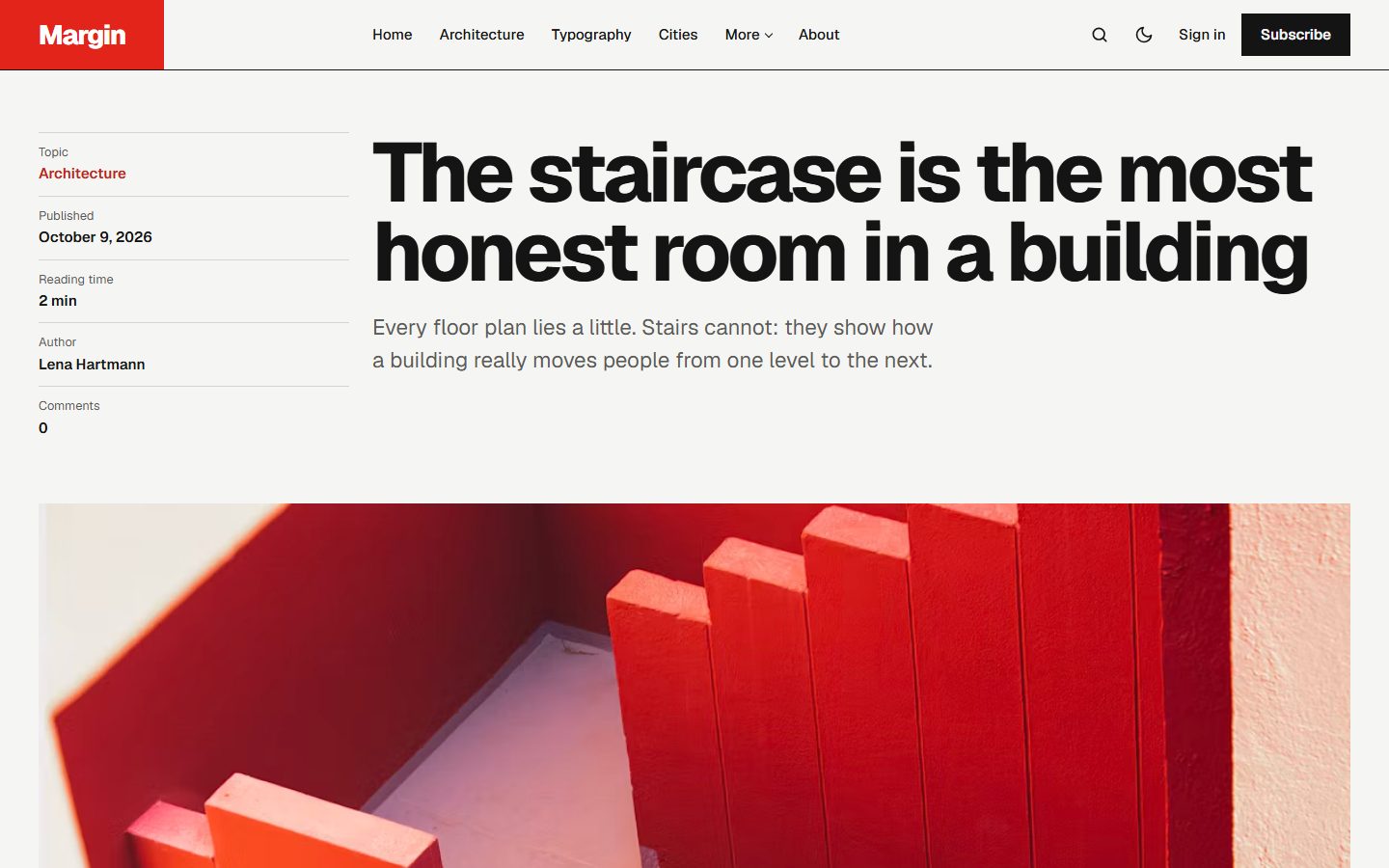
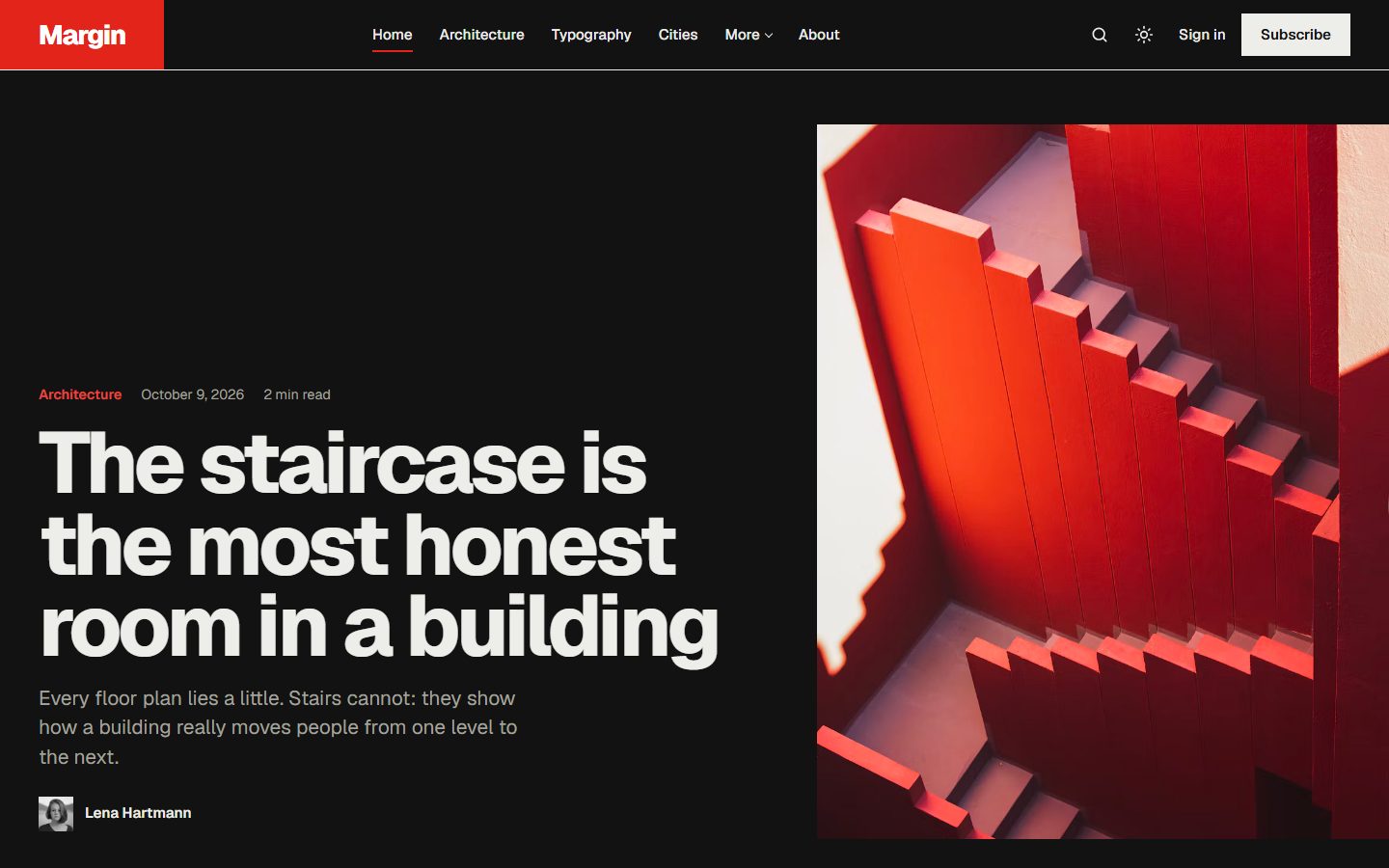
Light or dark
Choose the default colour scheme: Light, Dark or Auto. Readers can switch at any time from the header.
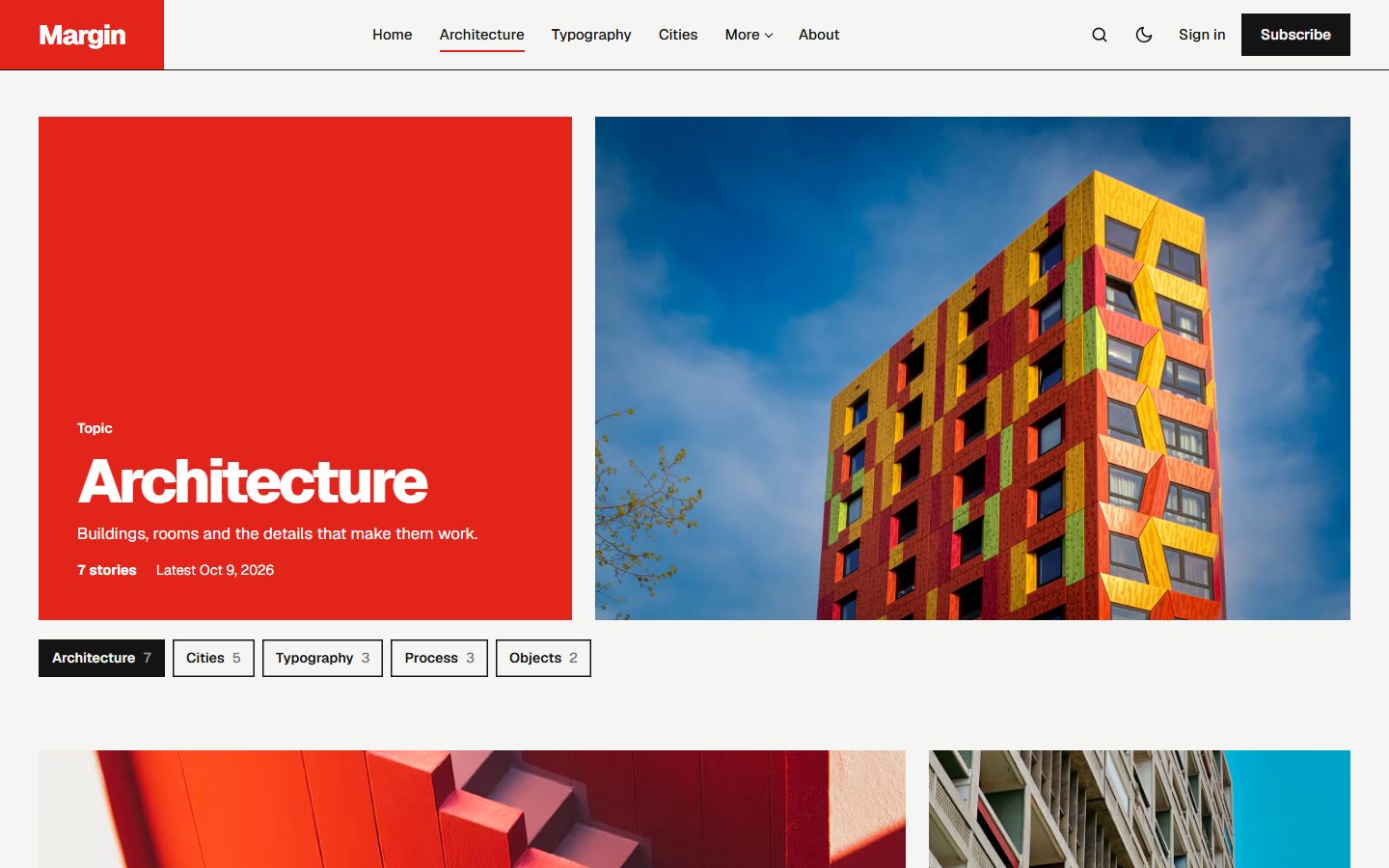
Topics and authors
Tag and author pages open on a block of your accent colour with the name set large, beside the tag image when there is one. Without an image, the name repeats as a giant watermark.
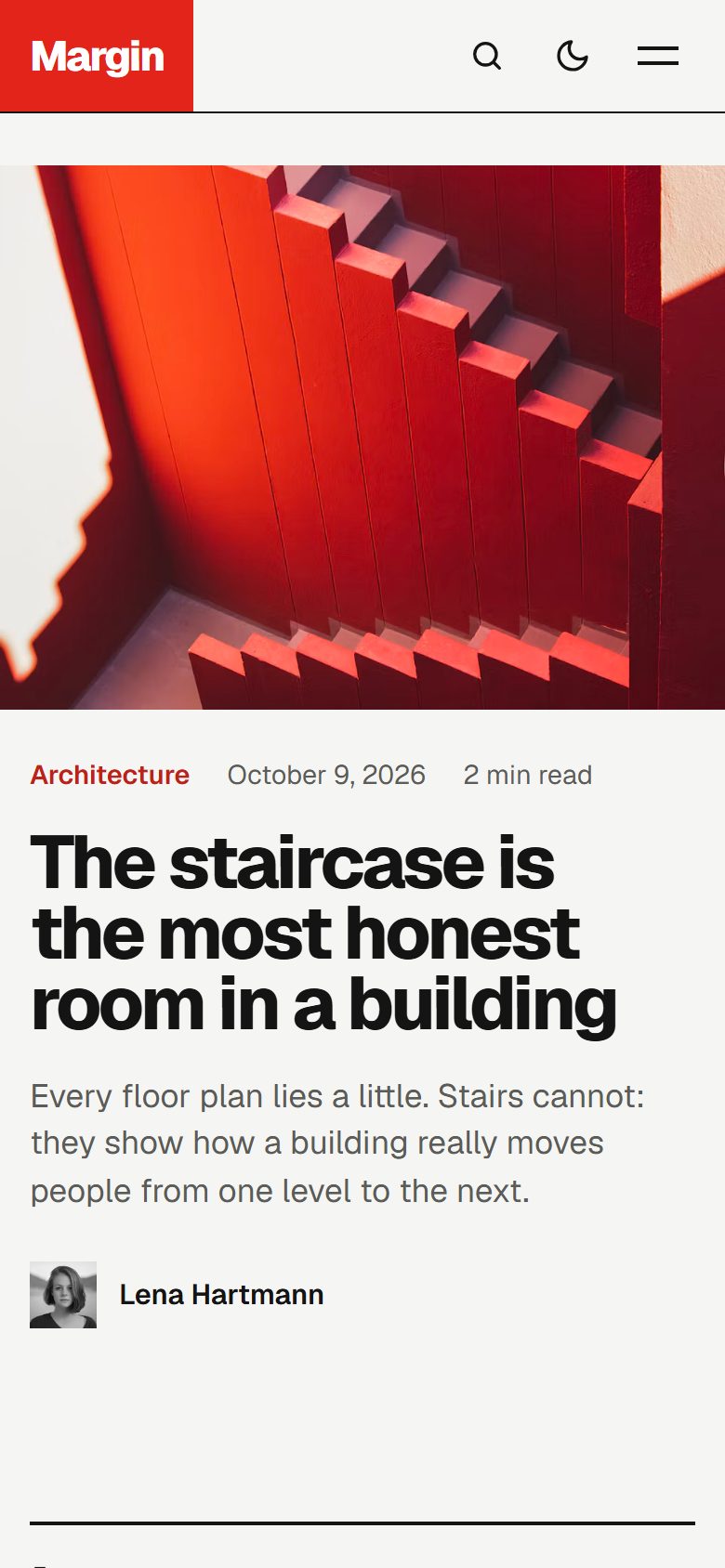
On every screen
Theme settings
- Typeface: Geist, Archivo Expanded or Host Grotesk.
- Color scheme: Light, Dark or Auto, plus an optional logo for dark mode.
- Latest layout: Posters or Pan.
- Homepage sections: switch the lead story, latest stories, Selected, About and Topics on or off.
- Newsletter: heading, short note, and on or off for the whole site.
- Footer text and Other social links (Pinterest, GitHub, Behance and more).
- Table of contents on or off for long articles.
Navigation with dropdowns
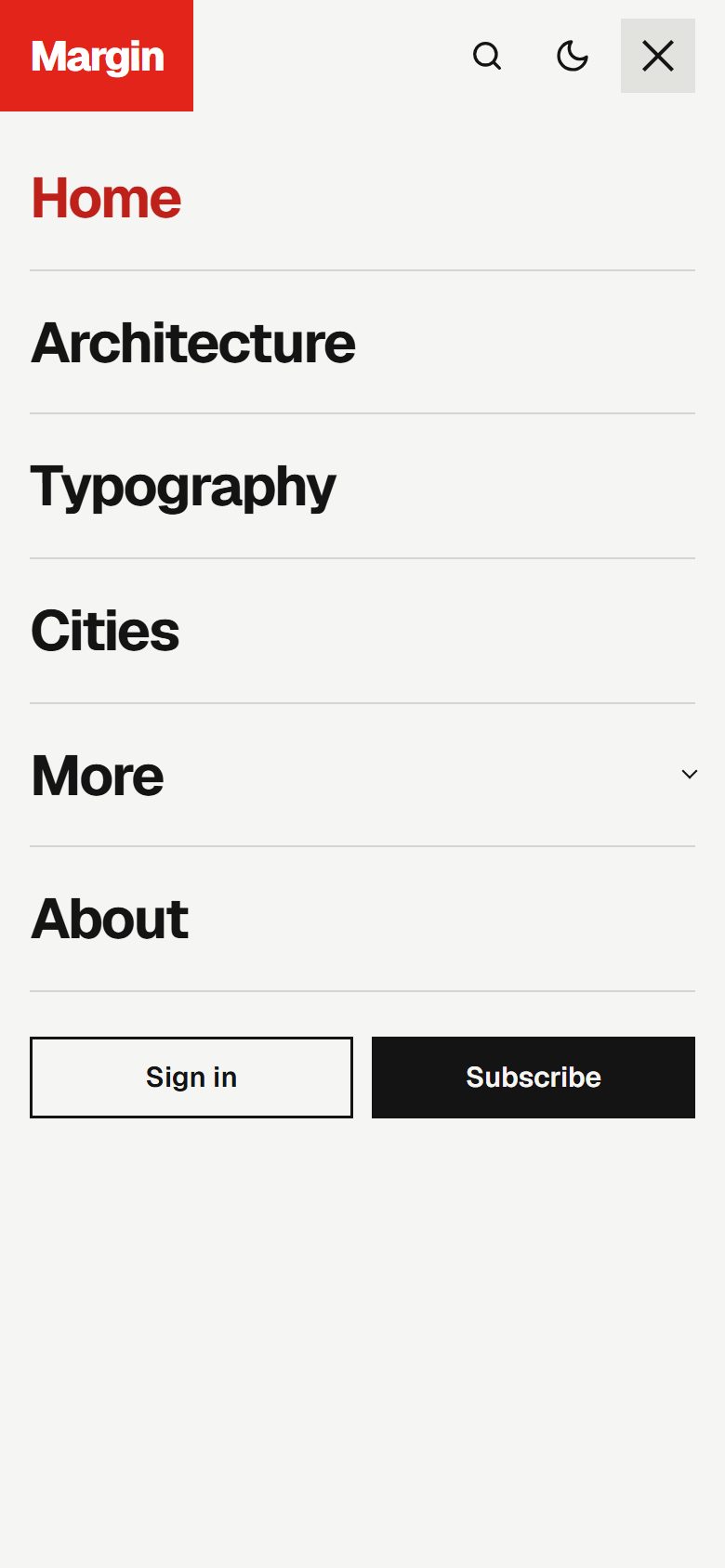
In Settings, Navigation, start a label with a dash, like -Objects, and it becomes a sub-item of the link above it.
Everything Ghost offers
- Members, free and paid subscriptions, with members-only posts.
- Newsletter signup connected to Ghost.
- Native search, opened from the header or with
Ctrl/Cmd + K. - Ghost comments with comment counts.
- All editor cards. See them on the Styleguide page.
- Responsive images, lazy loaded, and fully translatable text.