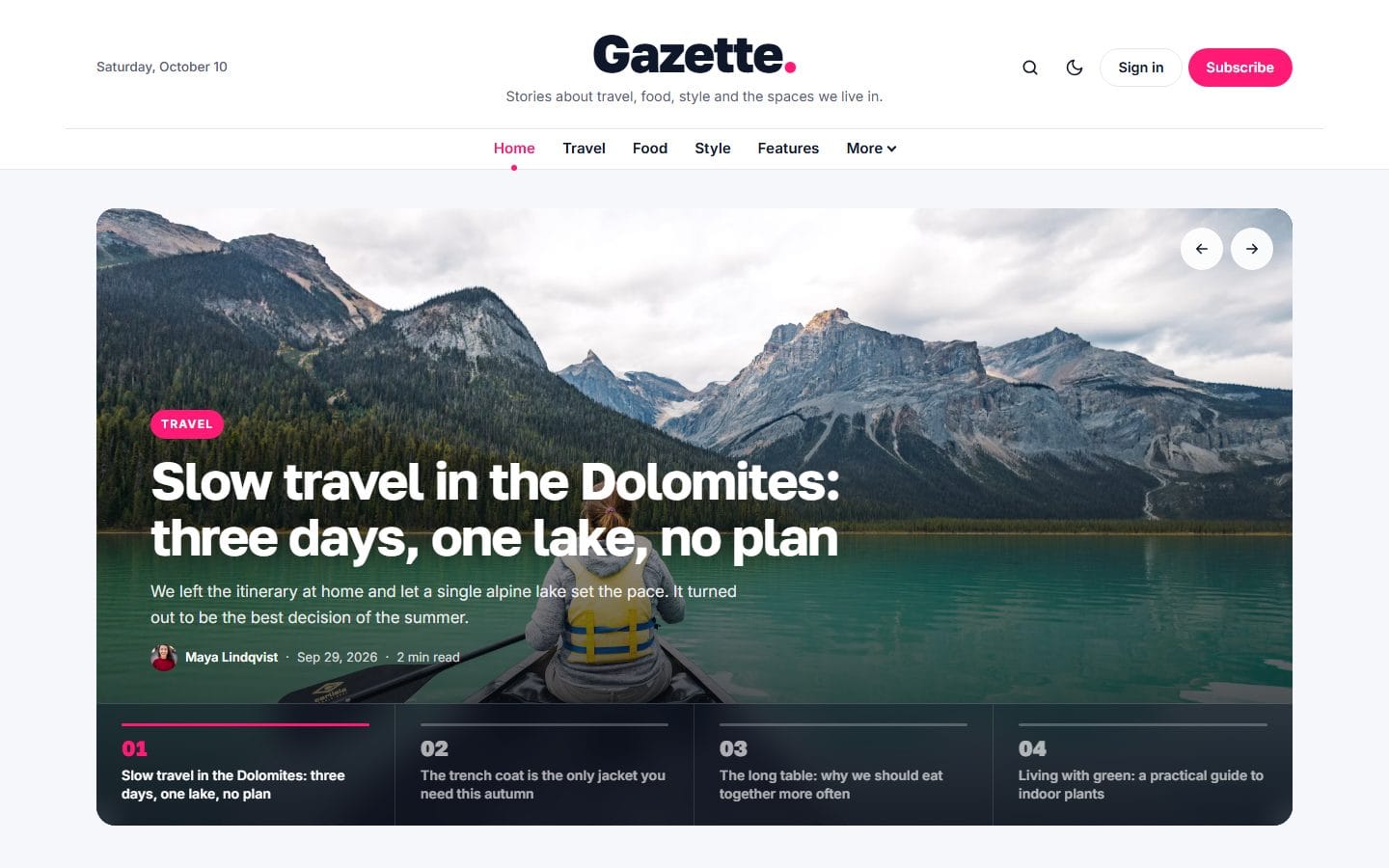
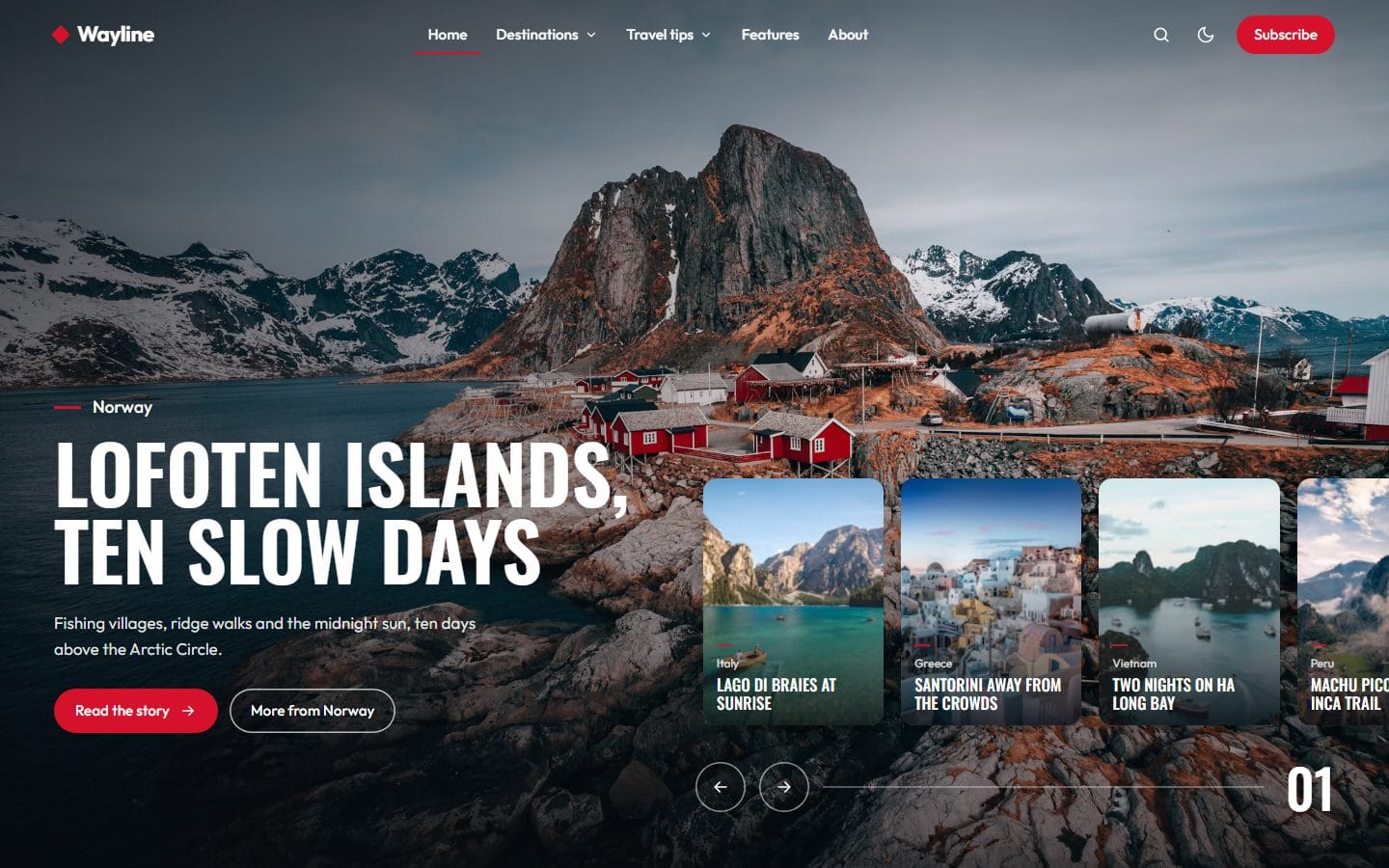
Kontur in your language
English, French, German and Spanish included. One setting switches the whole theme.
Kontur is translated into English, French, German and Spanish. Every word the theme writes follows the language of your site: the menu buttons, “Read more”, the reading time, the dates, the newsletter form and the footer. Your posts, tags and navigation stay exactly as you write them.
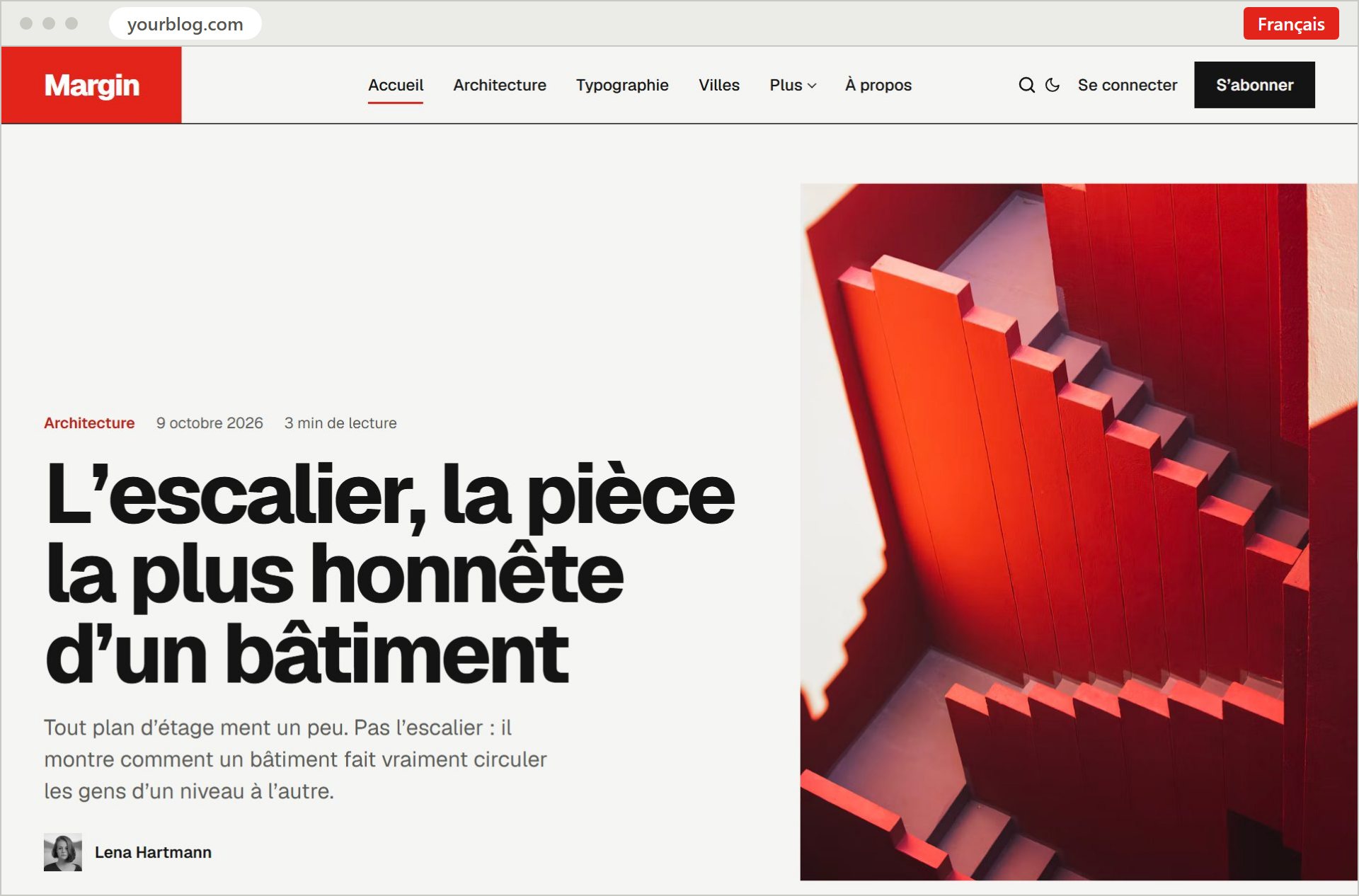
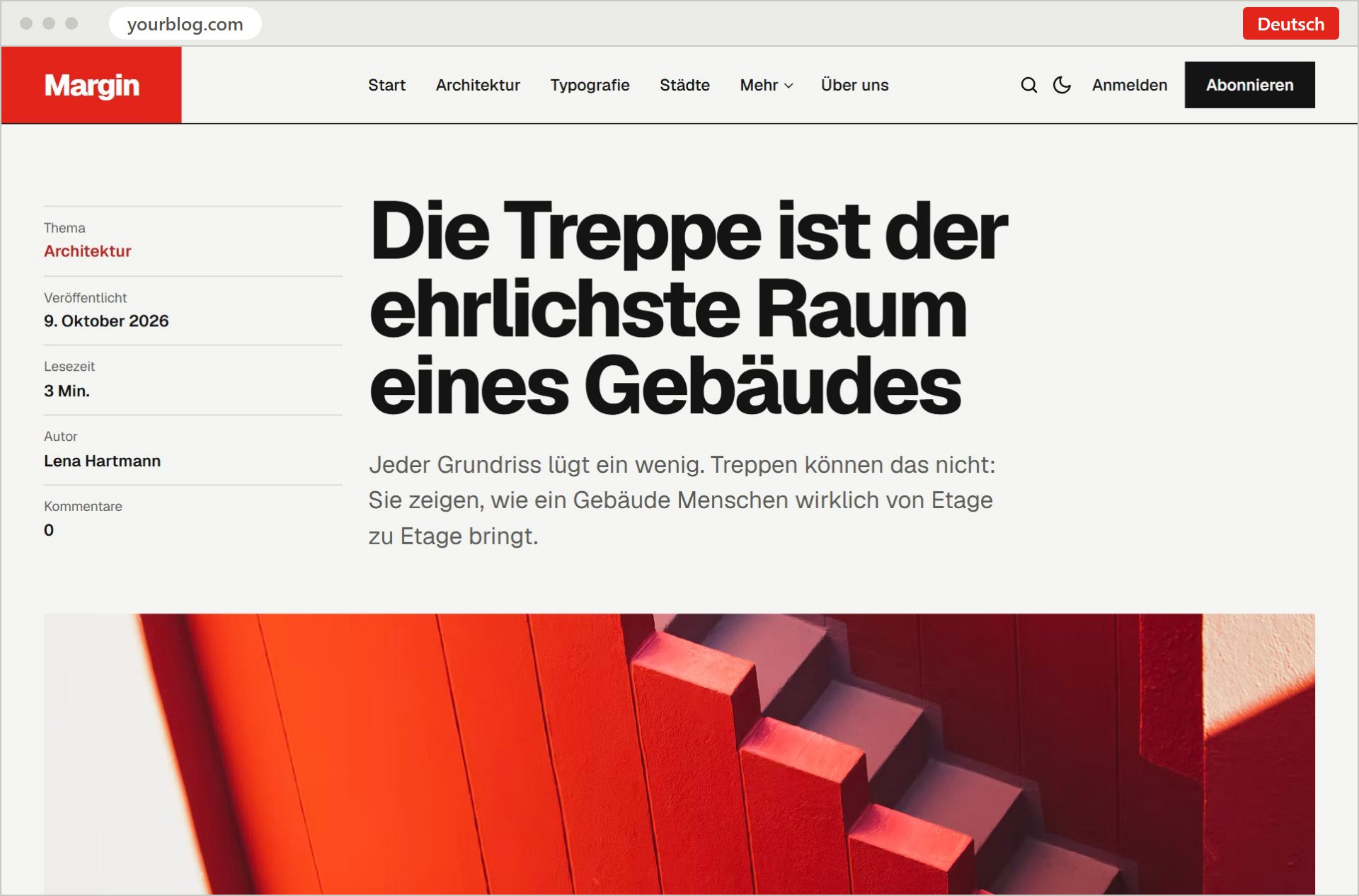
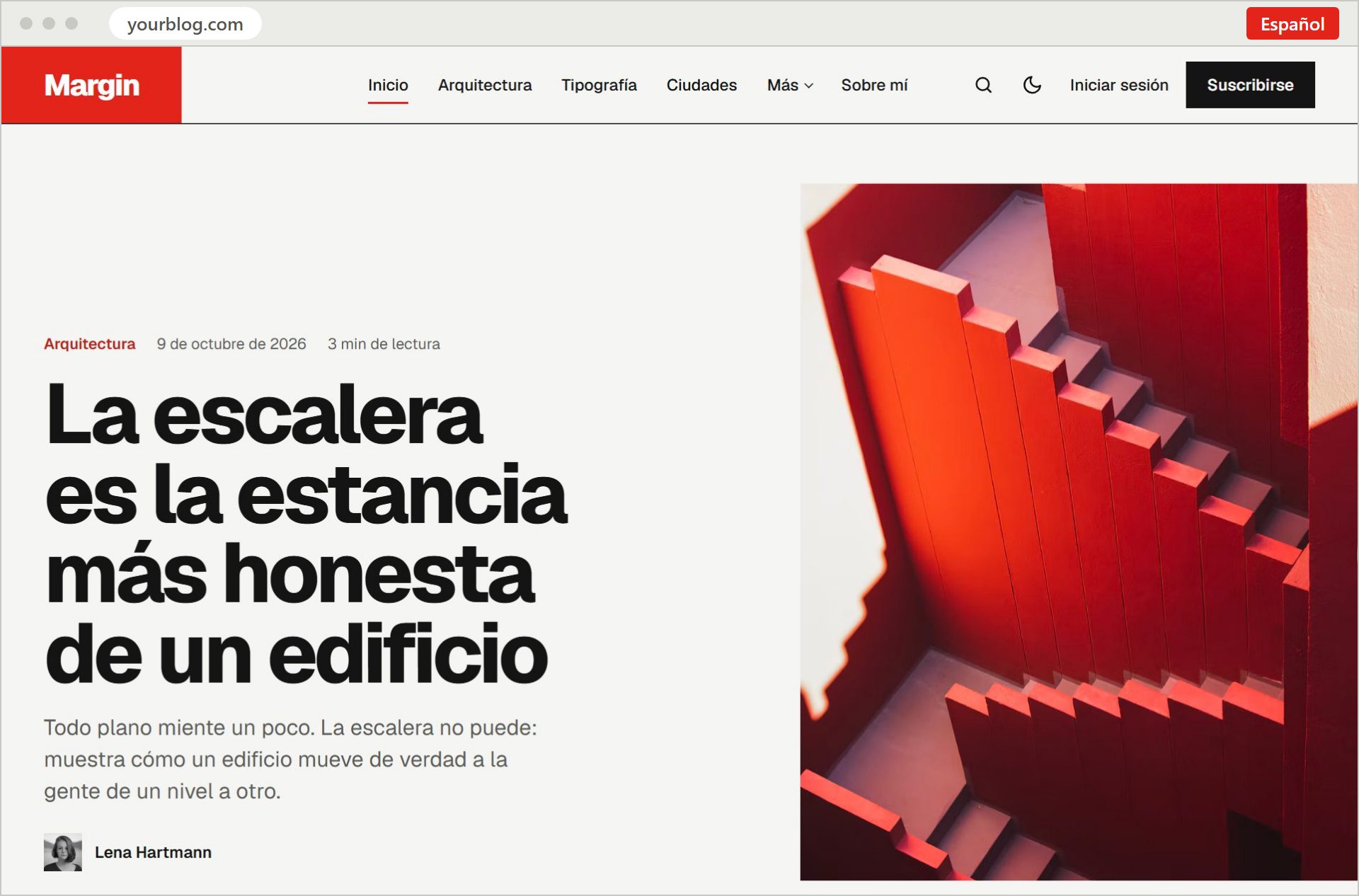
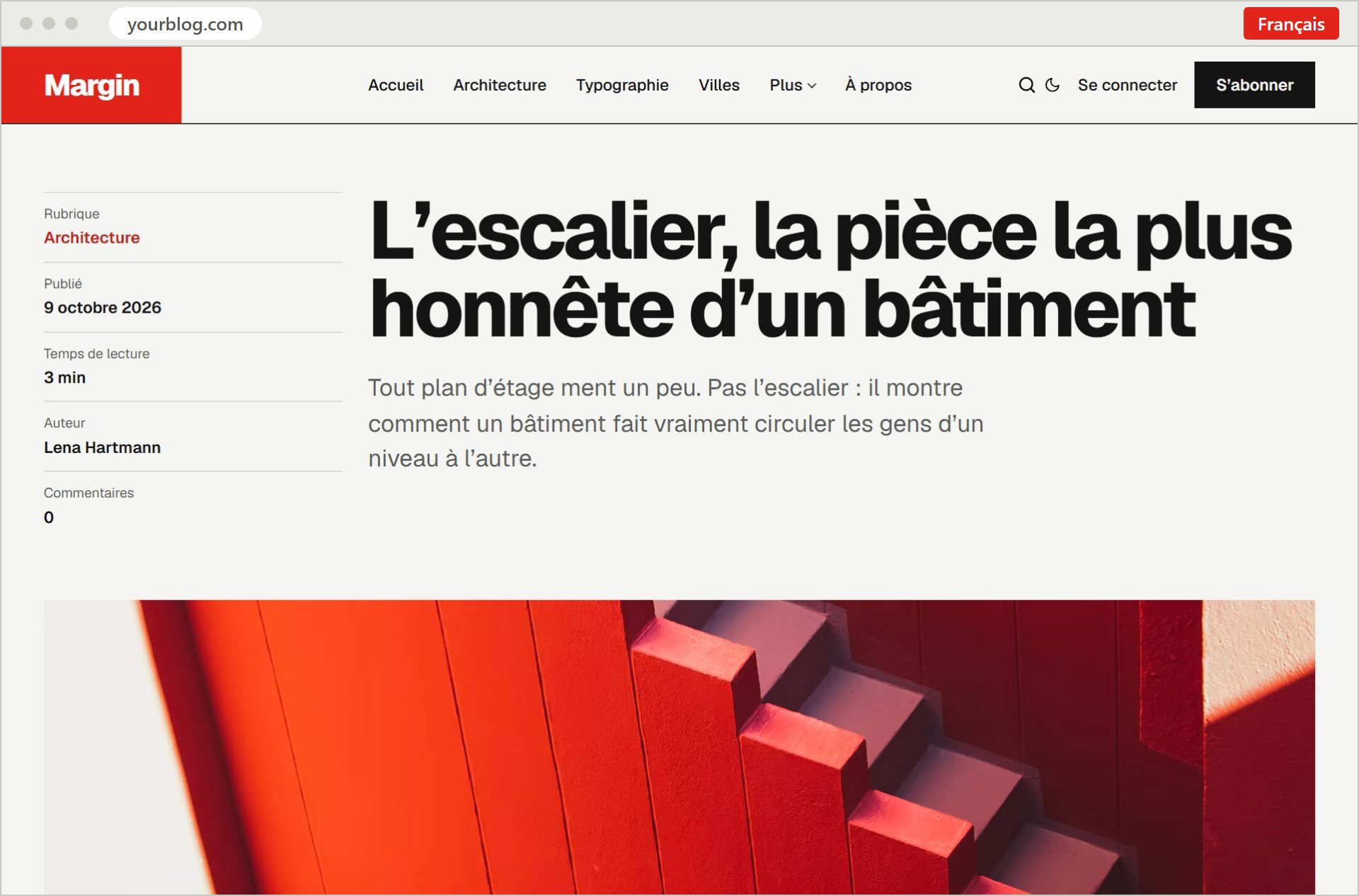
Switch language in three steps
- In Ghost Admin, open Settings → General.
- In Publication language, type
fr,deores. - Save. The whole theme follows, with nothing to upload or edit.
Ghost translates its own parts in the same language: the sign-up popup, search and comments. One site has one language: readers see the language you choose.
Another language?
Copy locales/en.json inside the theme to your language code, for example locales/it.json, translate the values (about sixty short texts), zip the theme again and upload it. The documentation explains each step.
This demo stays in English. See all the features.